Building a lightweight, offline-first infinite canvas for developers who think visually
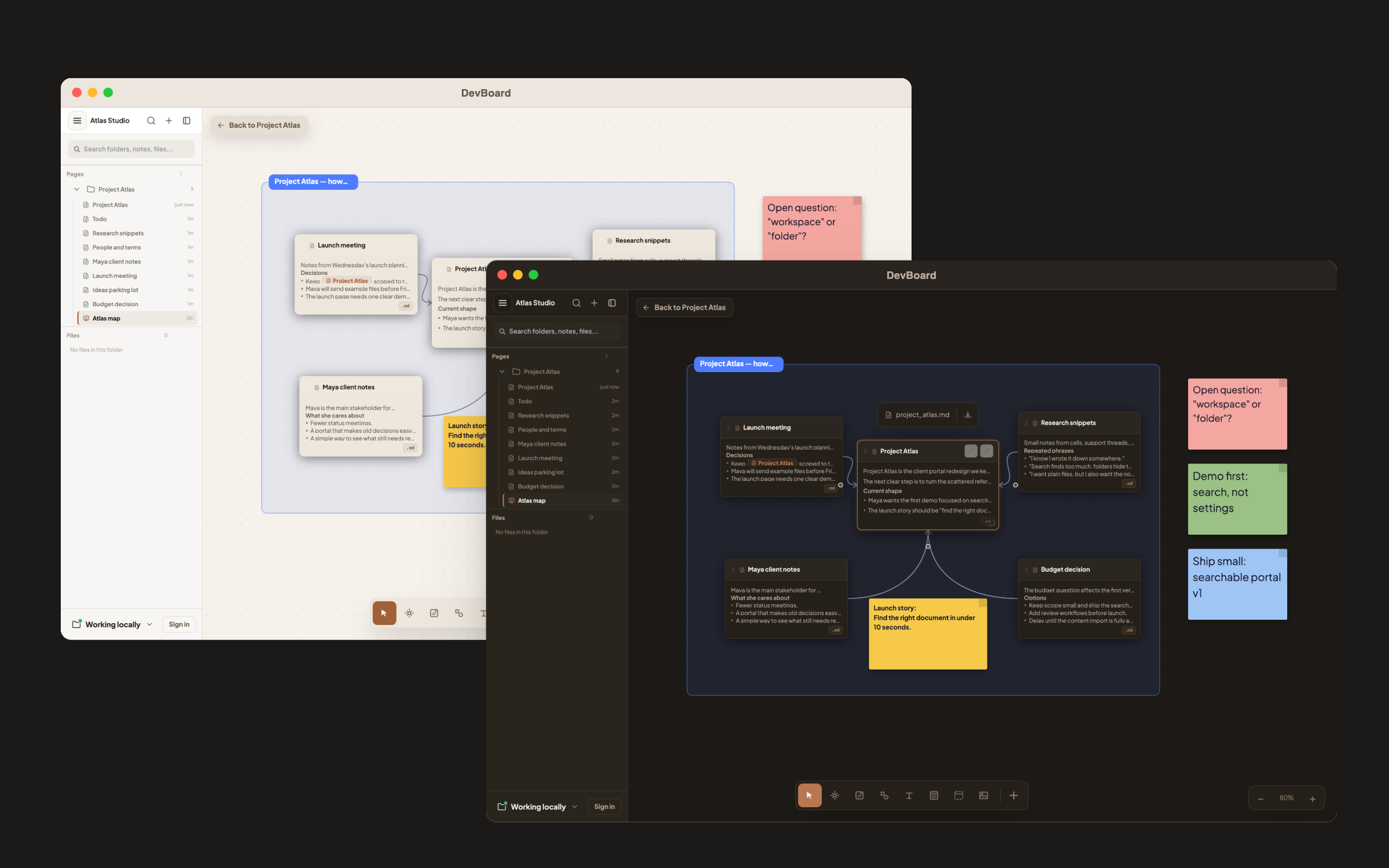
If you use FigJam or Miro to map out your thoughts, you know the friction — accounts, cloud sync, loading screens. DevBoard is what I built instead: a distraction-free whiteboard that opens instantly, works offline, and lives entirely in your browser. No account required.
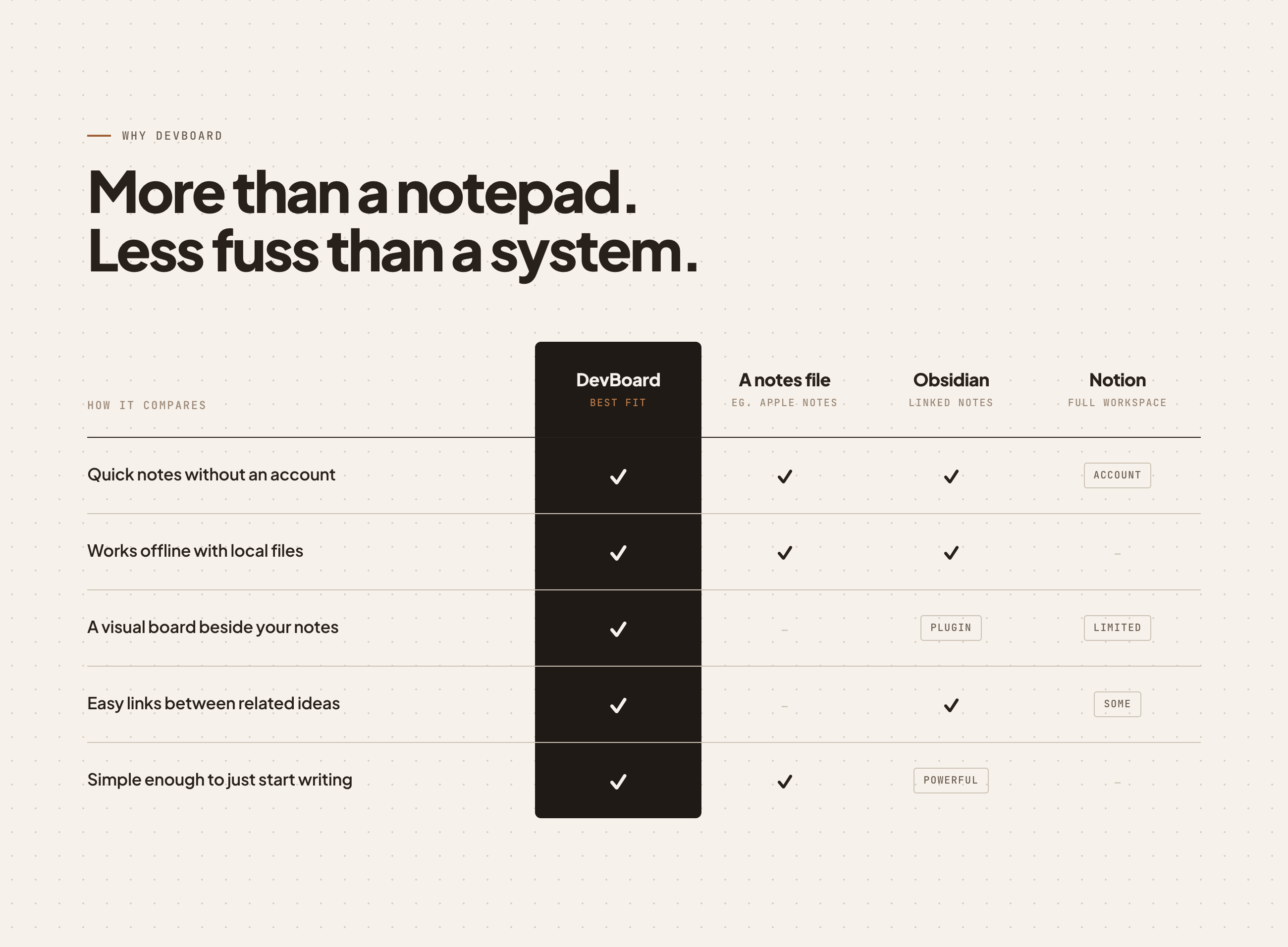
Most whiteboard tools are built for teams presenting to stakeholders — not for a solo dev at 11pm trying to untangle a gnarly system design. They're slow to open, require sign-in, and default to a polished, presentation-ready canvas that fights against rough, fast thinking.
DevBoard started as a single HTML file I could run anywhere. The constraint — no backend, no build step, no accounts — turned out to be the feature. It loads in under a second. You close the tab; your board is still there next time.
Everything you need to think out loud, nothing you don't.
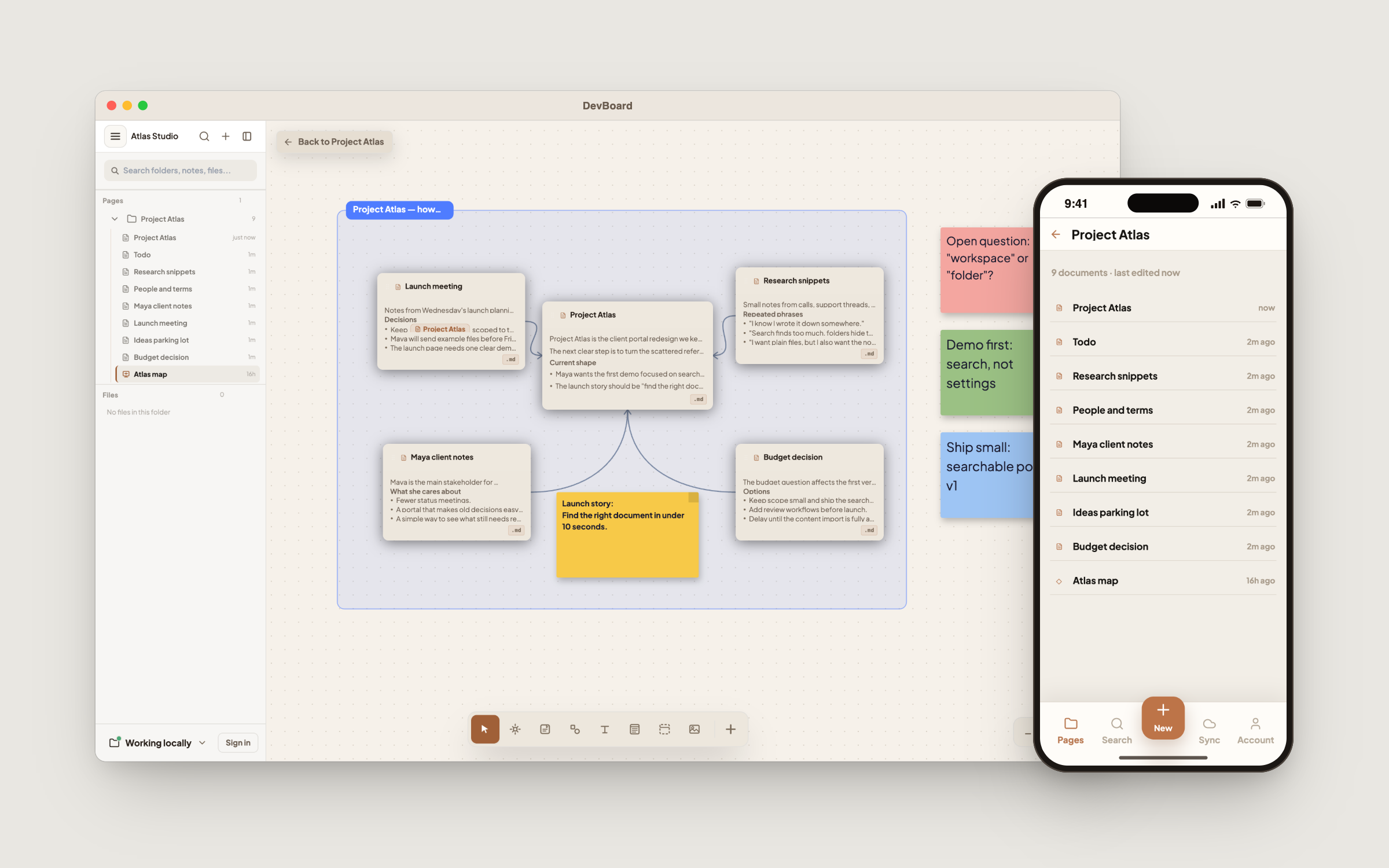
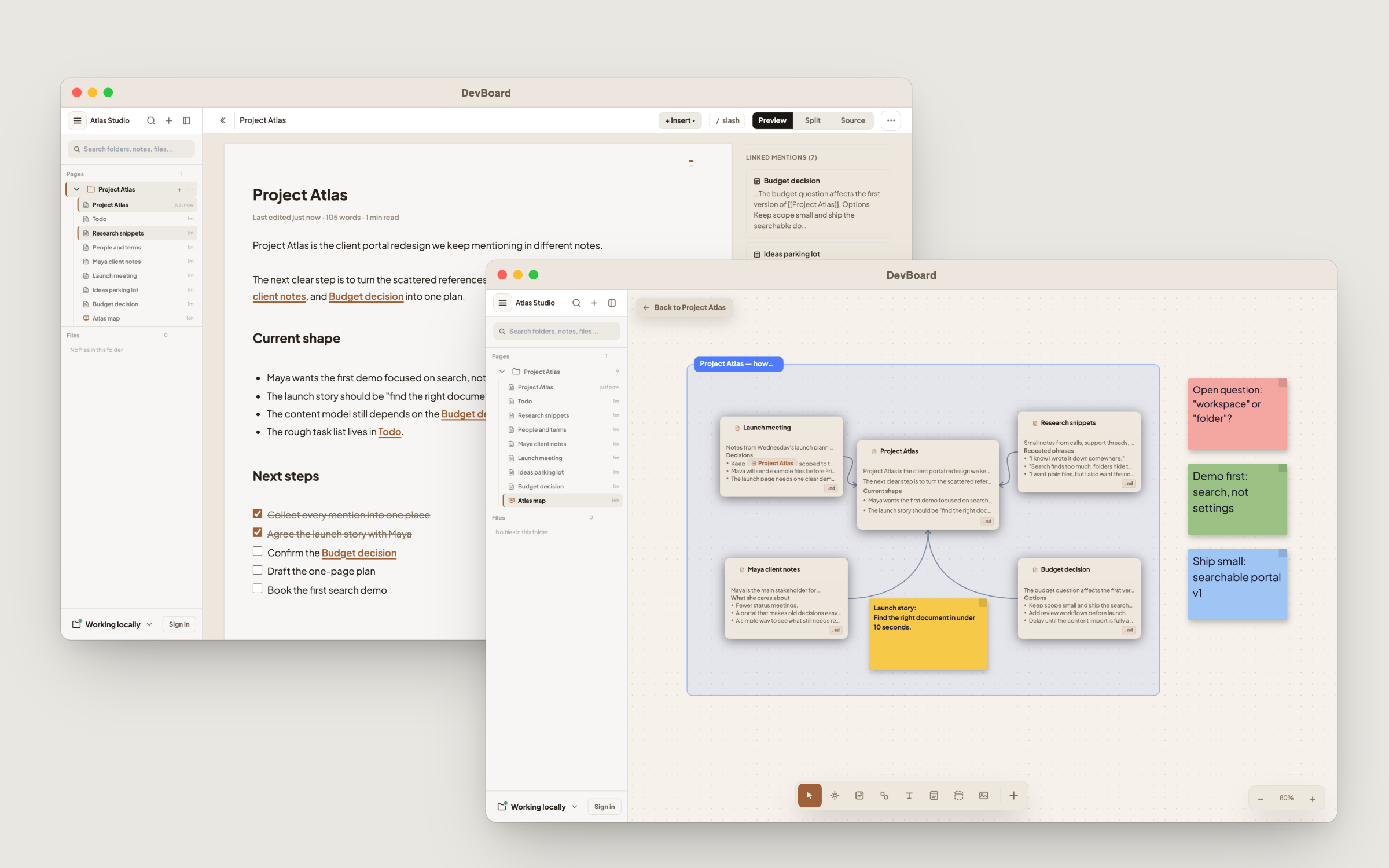
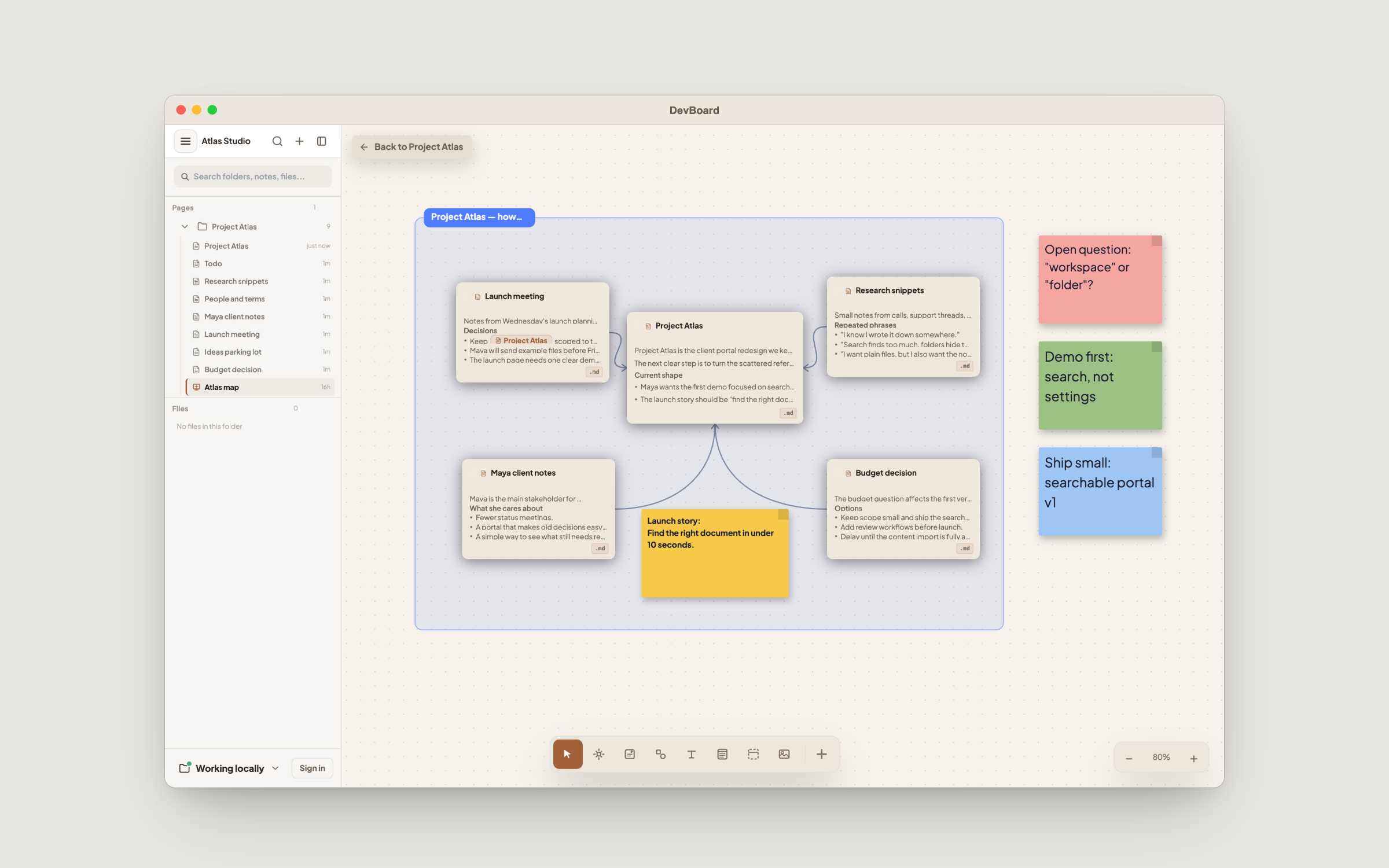
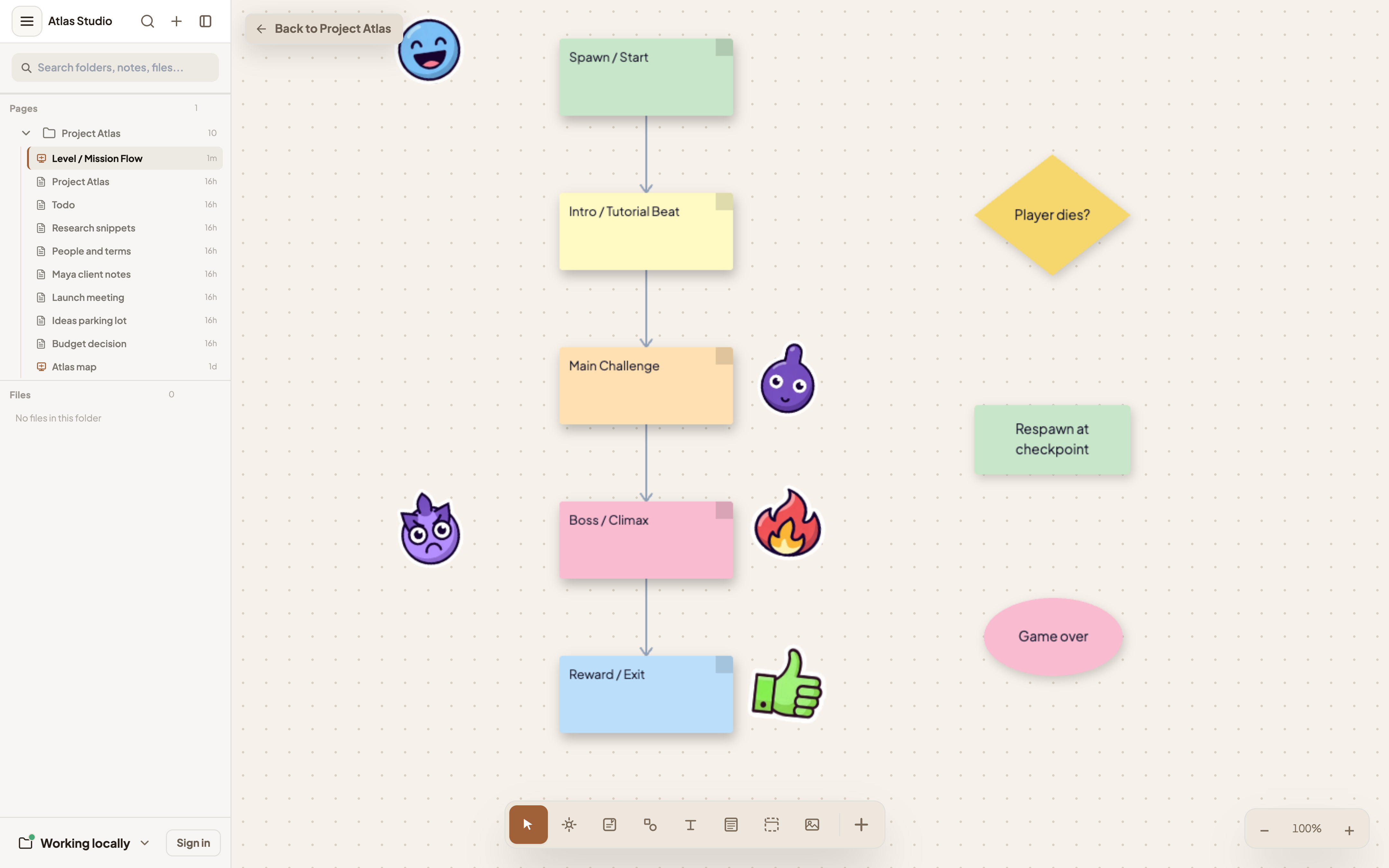
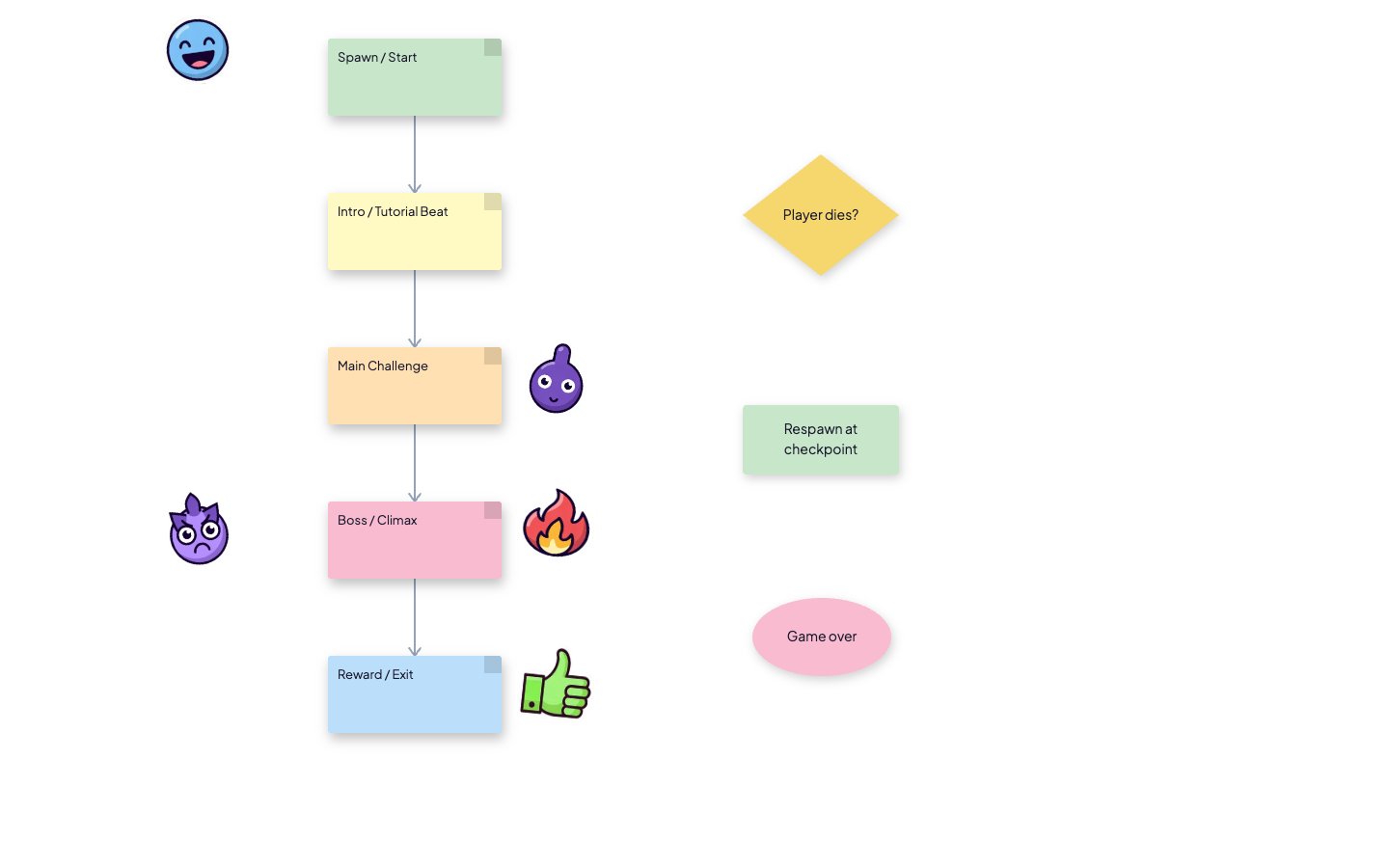
Pan, zoom, dot grid — no boundaries on your thinking
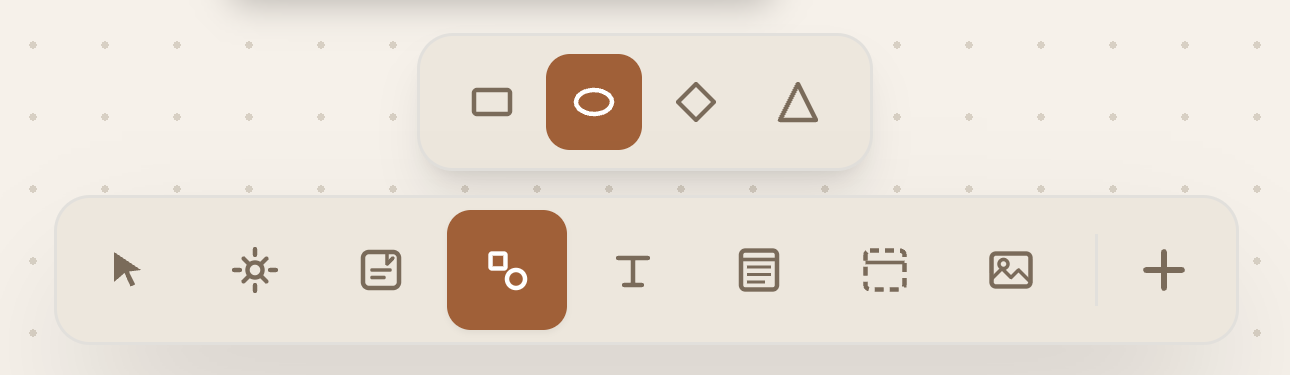
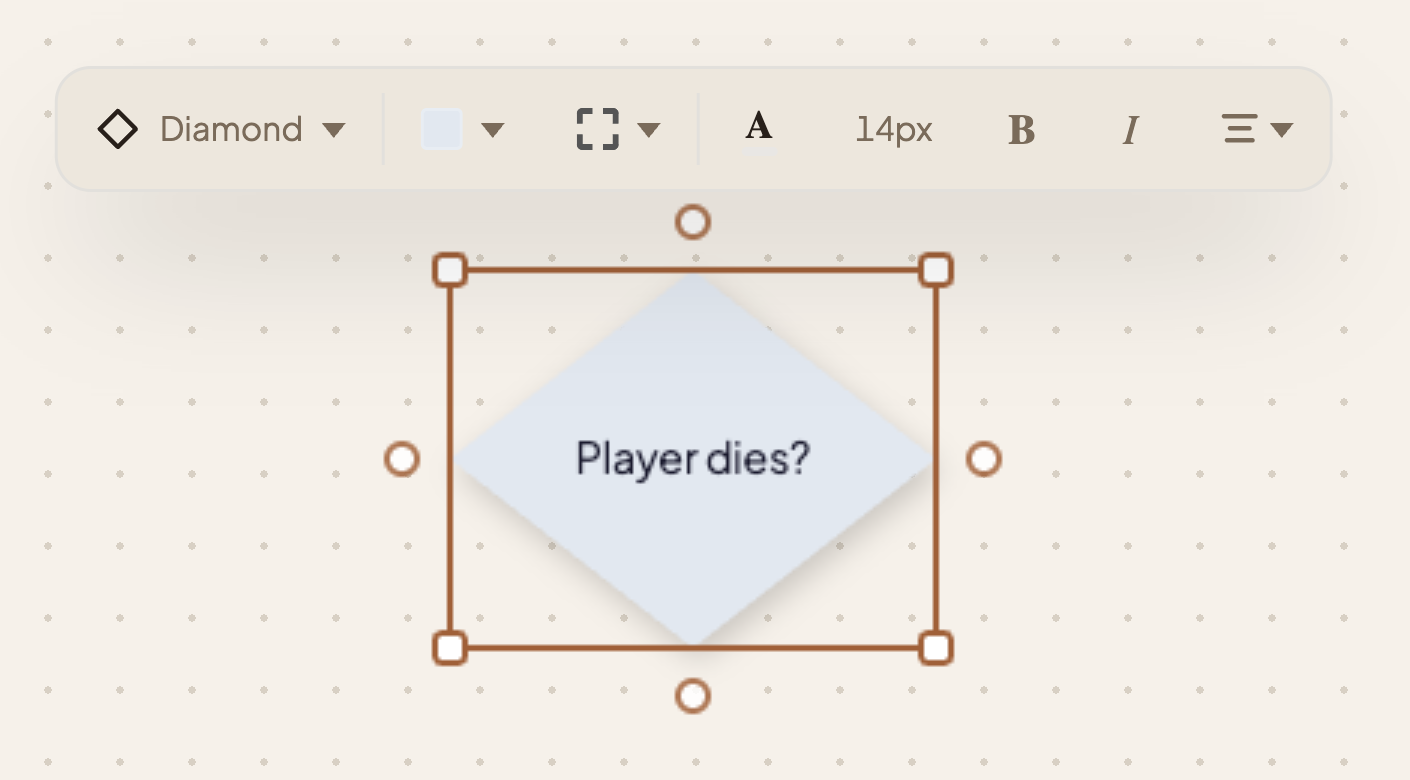
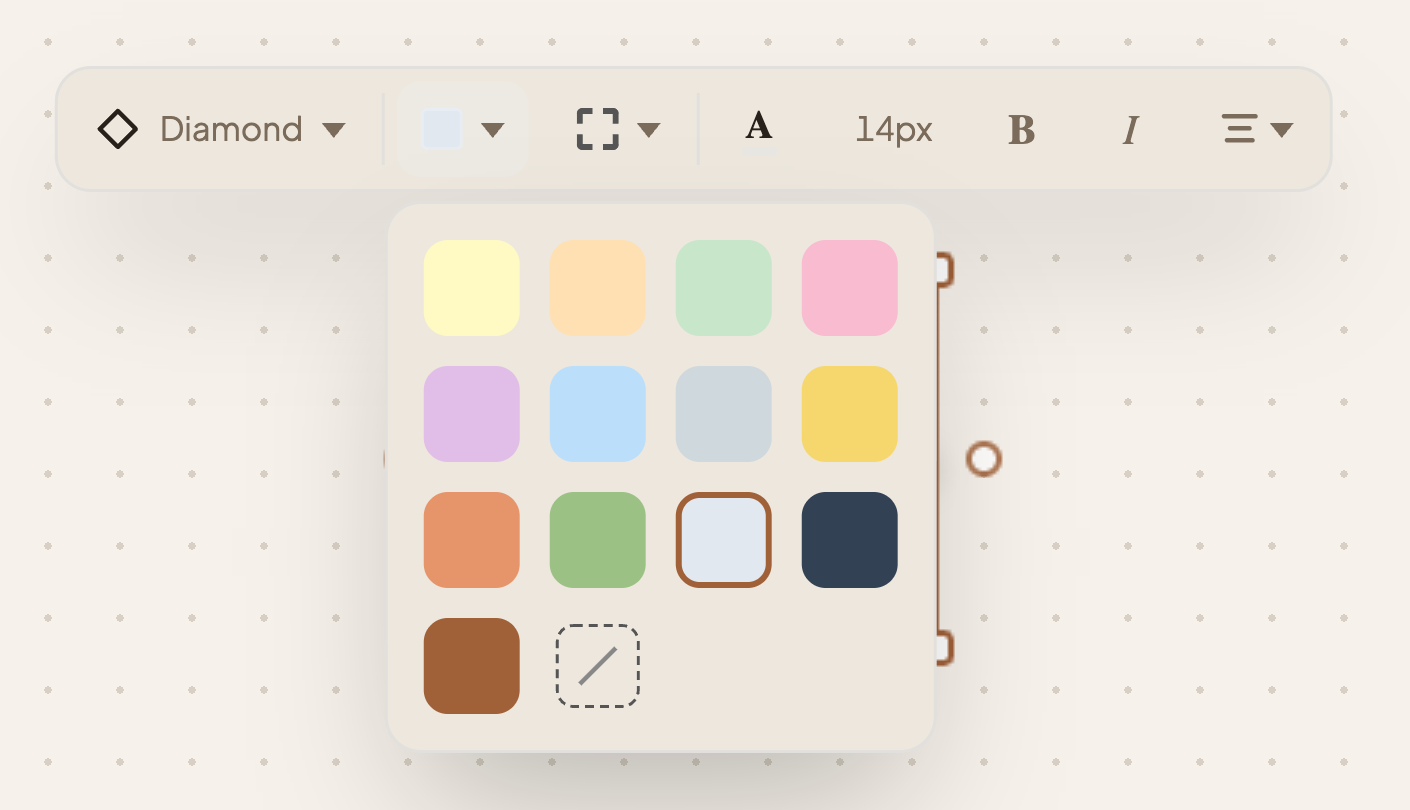
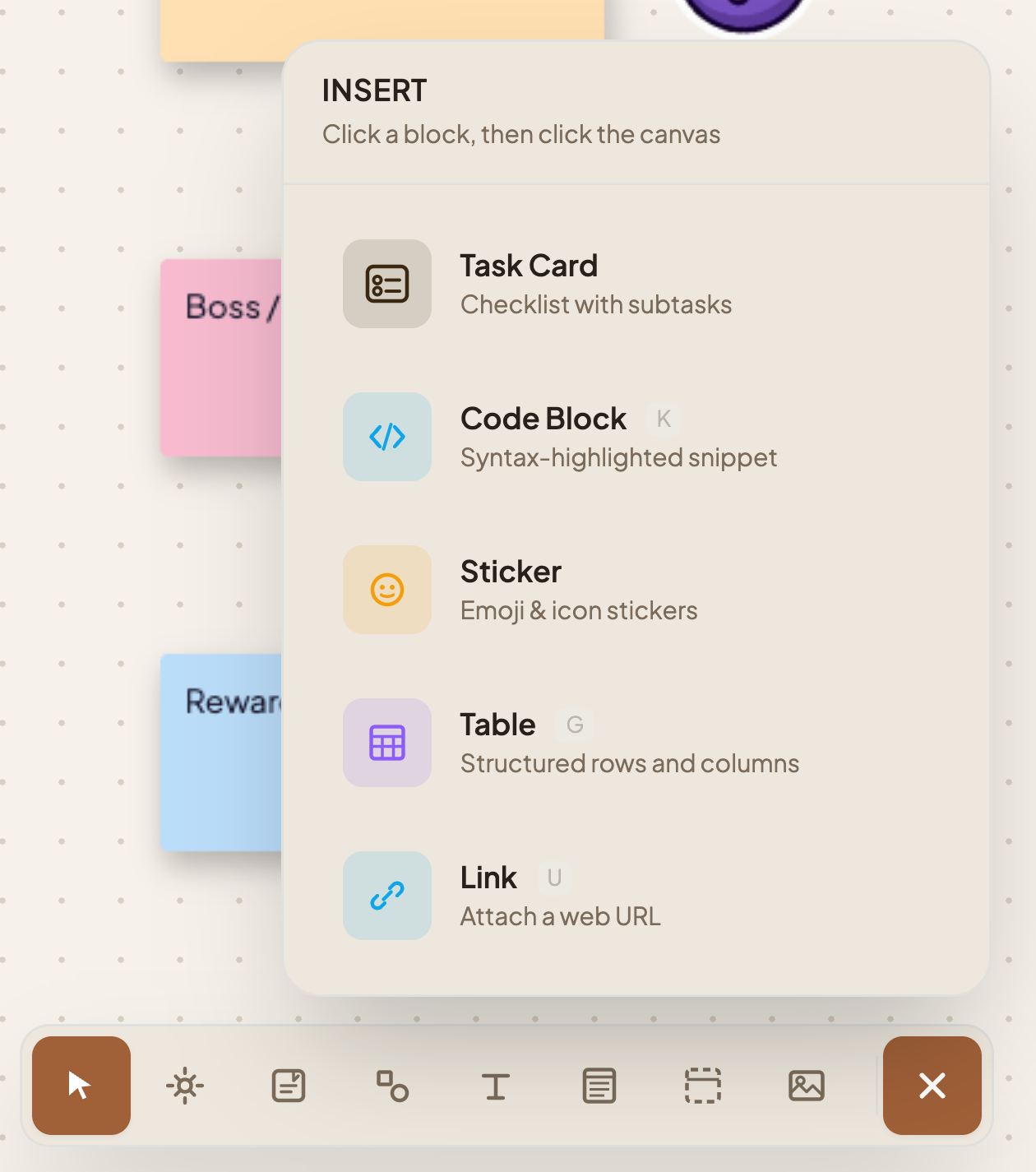
Color, edit, resize, copy/paste — full keyboard shortcuts
Bezier curves that snap between notes
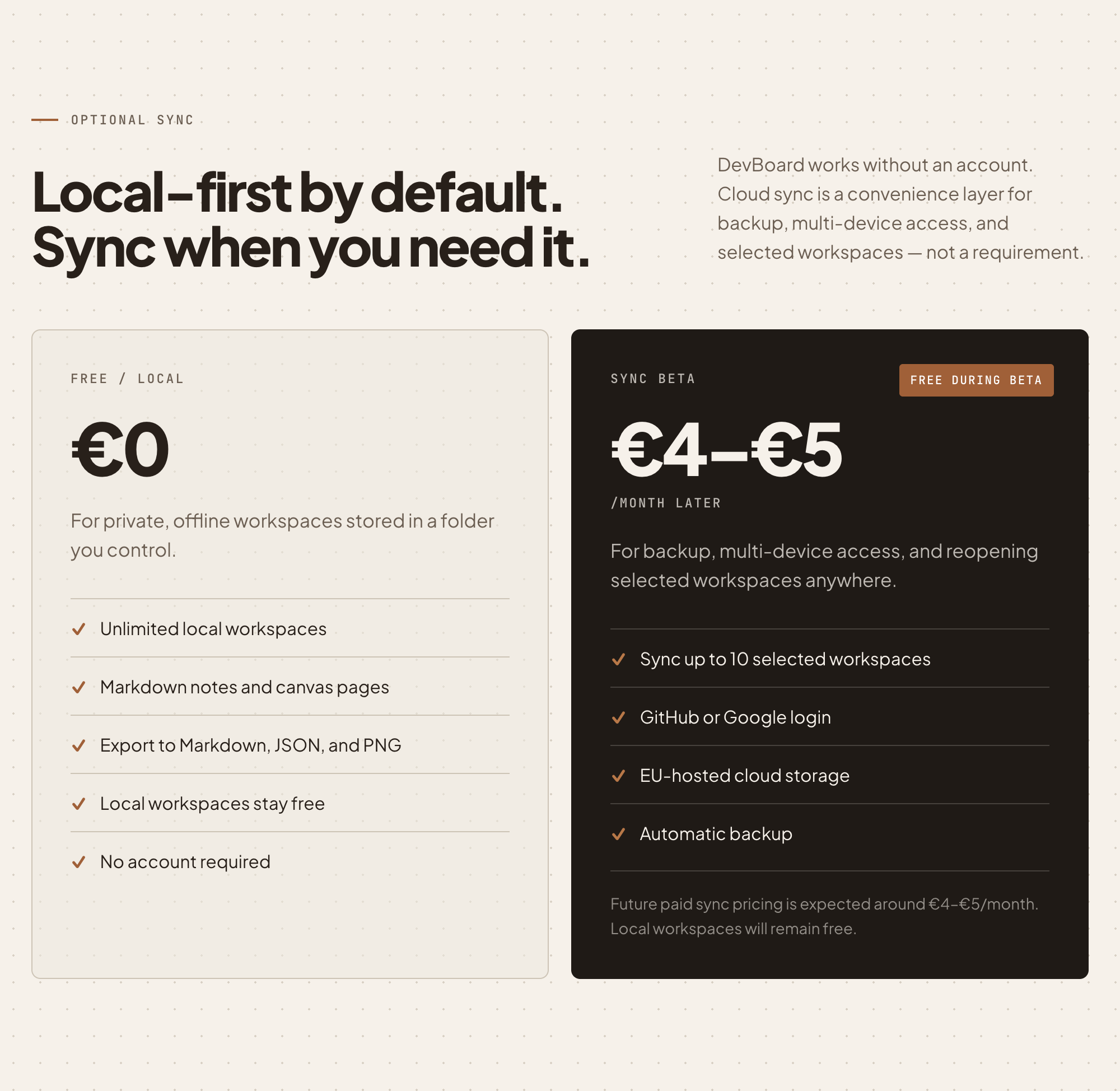
Everything persists in your browser — no account, no sync
Keyboard shortcuts: V Select H Pan S Sticky L Line ⌘C / ⌘V Copy/Paste
The biggest milestone in this update: DevBoard is no longer browser-only. Native desktop builds are now live for Mac (Apple Silicon) and Windows — a portable .exe you can run without an installer.
Because the app was built to be self-contained from day one, going offline-native required almost no architectural changes. The constraint paid off.
A lot of the "that's annoying" moments got fixed in this pass.
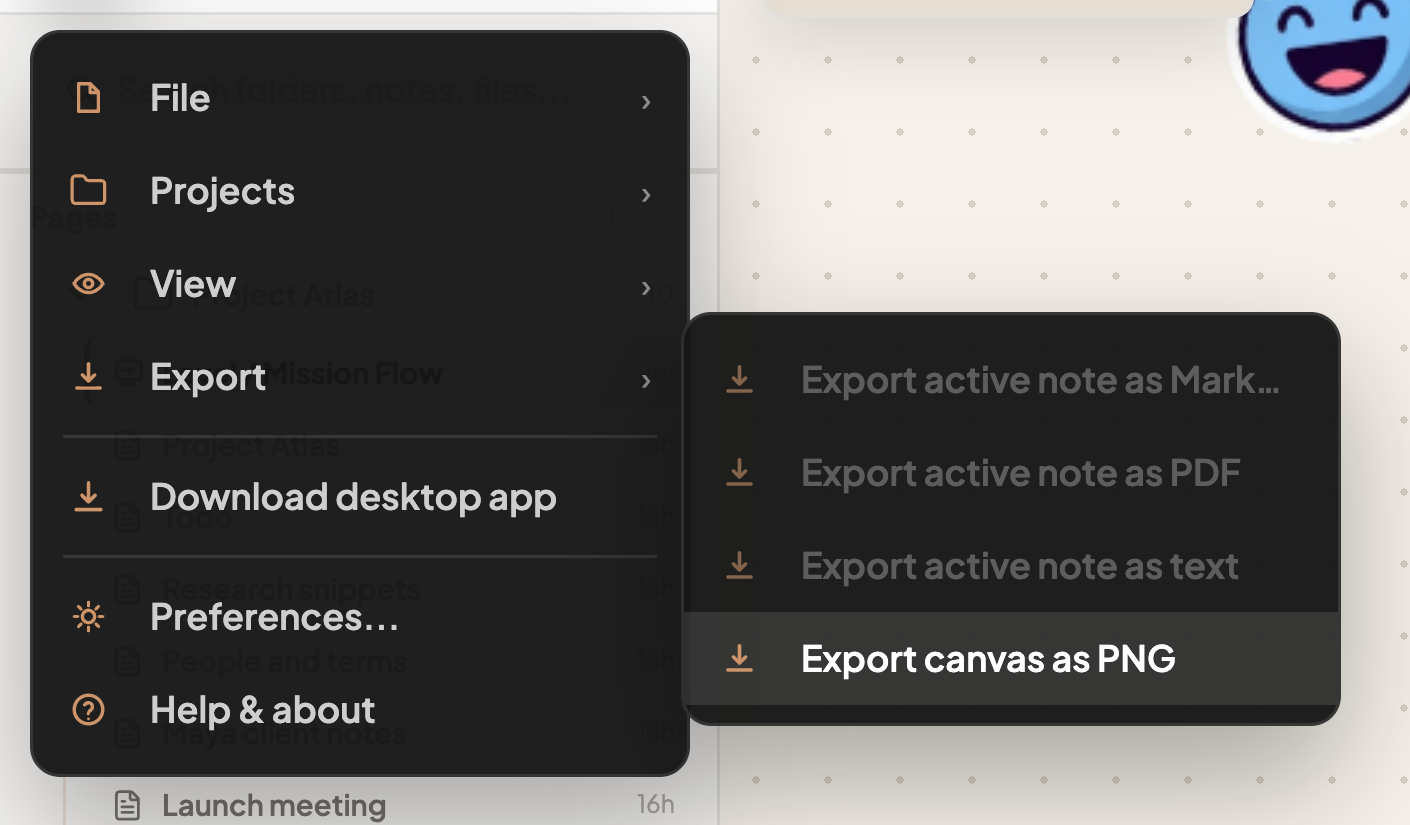
Coming next: pen/draw tool, export to PNG, multiplayer (maybe).